Required permission:
- View alert setting
- Edit alert setting
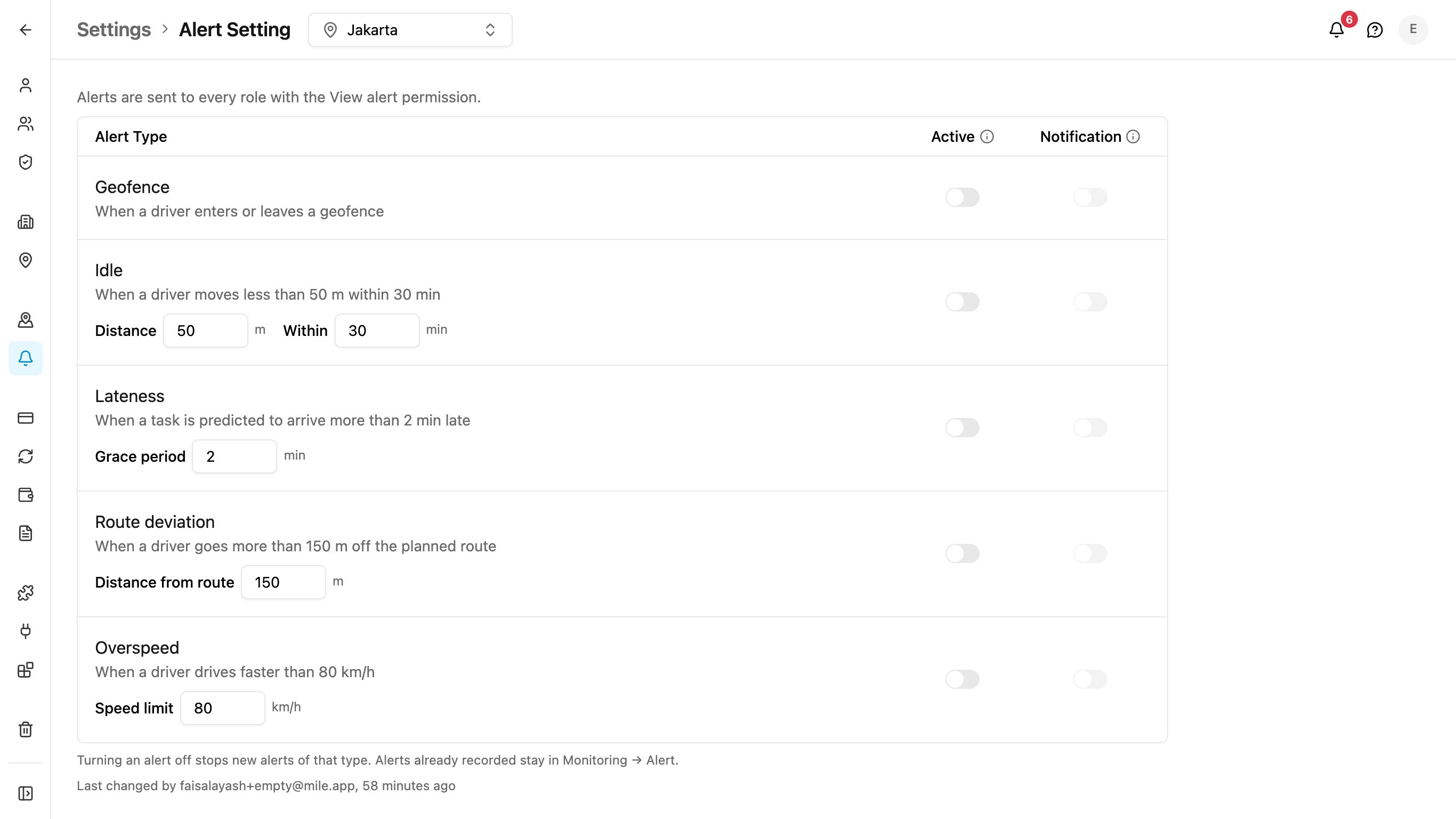
Alert types and limits
Each row shows the alert type and one sentence that says when it is raised, using your organization’s current limit. Under the sentence are the fields for that limit.
An organization that never changes a limit keeps the defaults.
Some parts of the rules are fixed and cannot be changed:
- Route deviation and Overspeed need 3 location updates in a row beyond the limit before an alert is raised.
- Idle and Overspeed alerts are repeated every 10 minutes while the driver is still idle or still speeding.
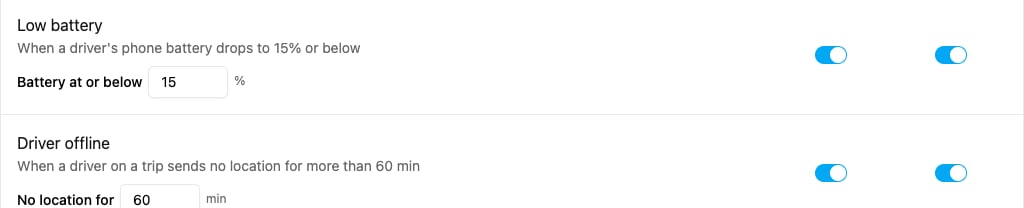
- Low battery alerts are repeated every 30 minutes while the battery stays at or below the limit.
- Driver offline raises one alert each time a driver goes silent. It is not repeated while the driver stays offline.
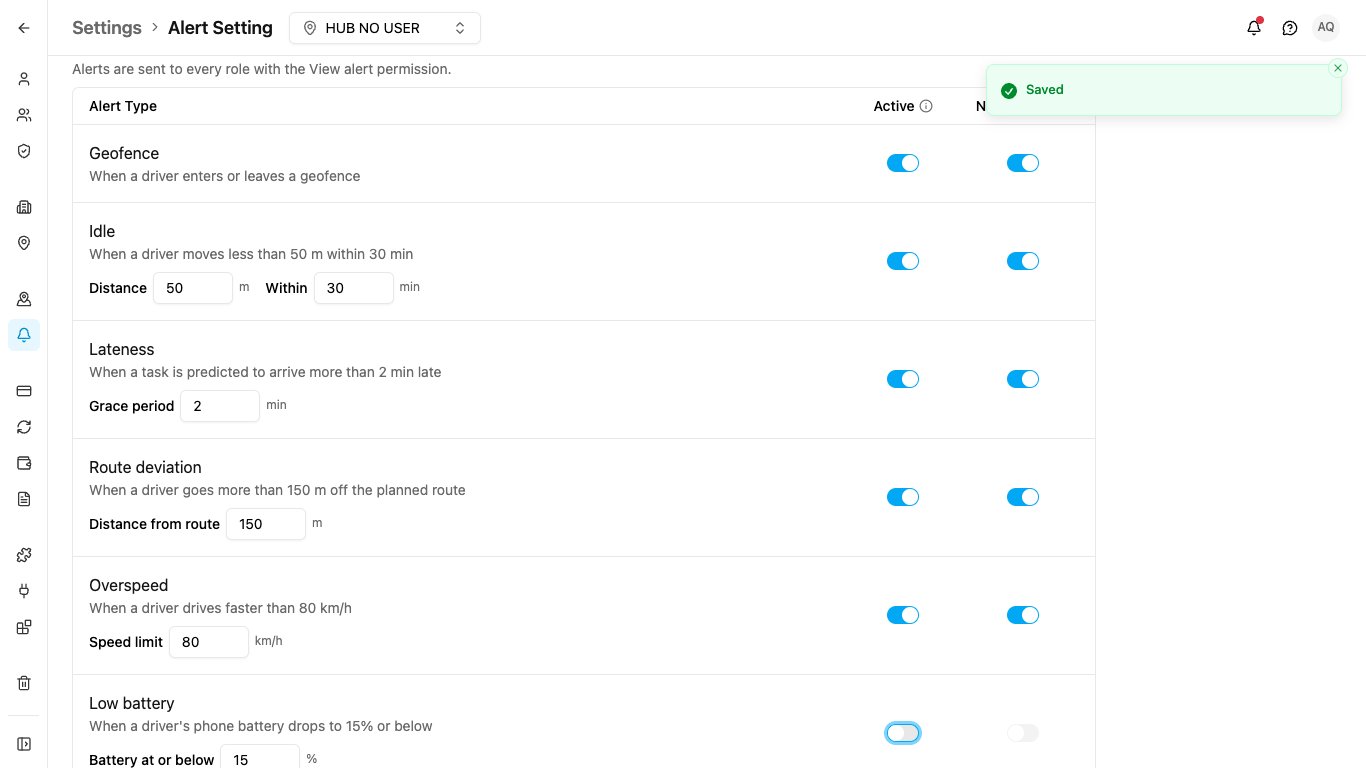
Change a limit
- Type the new value in the field, for example Speed limit under Overspeed.
- Click outside the field or press Enter. The value is saved right away; there is no Save button. Each field is saved on its own.
- The value must be a whole number within the allowed range. Otherwise the field says, for example, Enter a whole number from 20 to 200 km/h, and nothing is saved.
- If saving fails, the field goes back to the value that was saved before.
The switches
The table lists each Alert Type with two switches. A change is saved as soon as you flip a switch; there is no Save button.
Screen readers announce the Active switch as Record followed by the alert type, for example Record Overspeed.
Notification follows Active:
- Turning Active off also turns Notification off and locks it.
- Turning Active on also turns Notification back on.