Required permission:
- View permission
- Edit permission
Multi-factor authentication
These switches sit in Advanced › Multi-factor authentication. Require a second step when people with this role sign in. There are two switches, so you can allow both. When both are on, Cloud-based Authenticator is asked for first.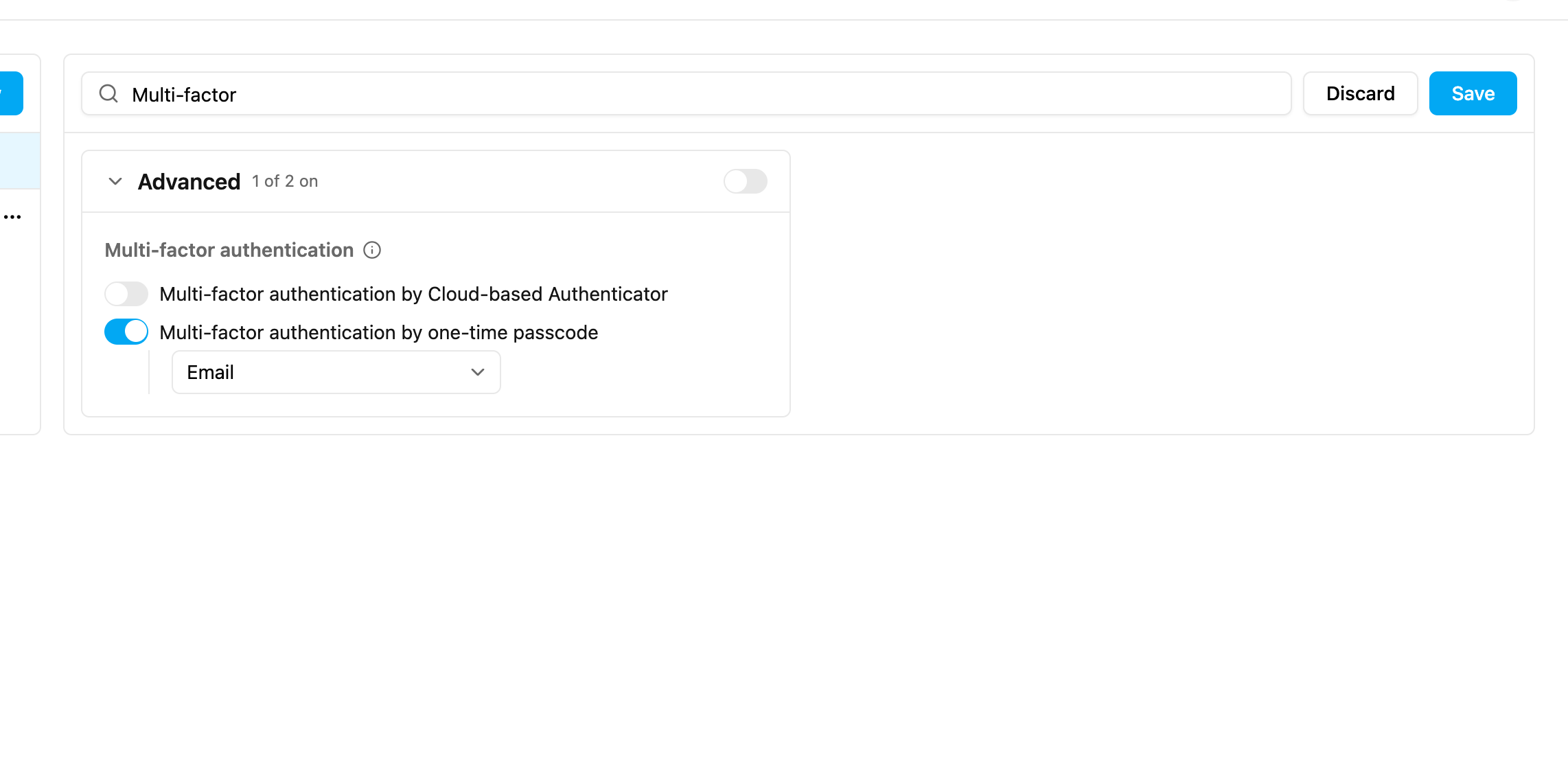
Email is always available. WhatsApp and SMS are set up for your organization by your platform provider; if one is already chosen you can see it but not change it. When the channel is WhatsApp or SMS and some users of the role have no phone number, the page shows how many; those users receive the code by email.
If a user loses their authenticator app, an admin can reset it from Settings › User. See Managing Users.
Device limit
Device limit, in Advanced › Device limit, allows only one active session per user. When it is on and a user signs in on another device, every earlier session is signed out automatically. This applies to the web app and the field app.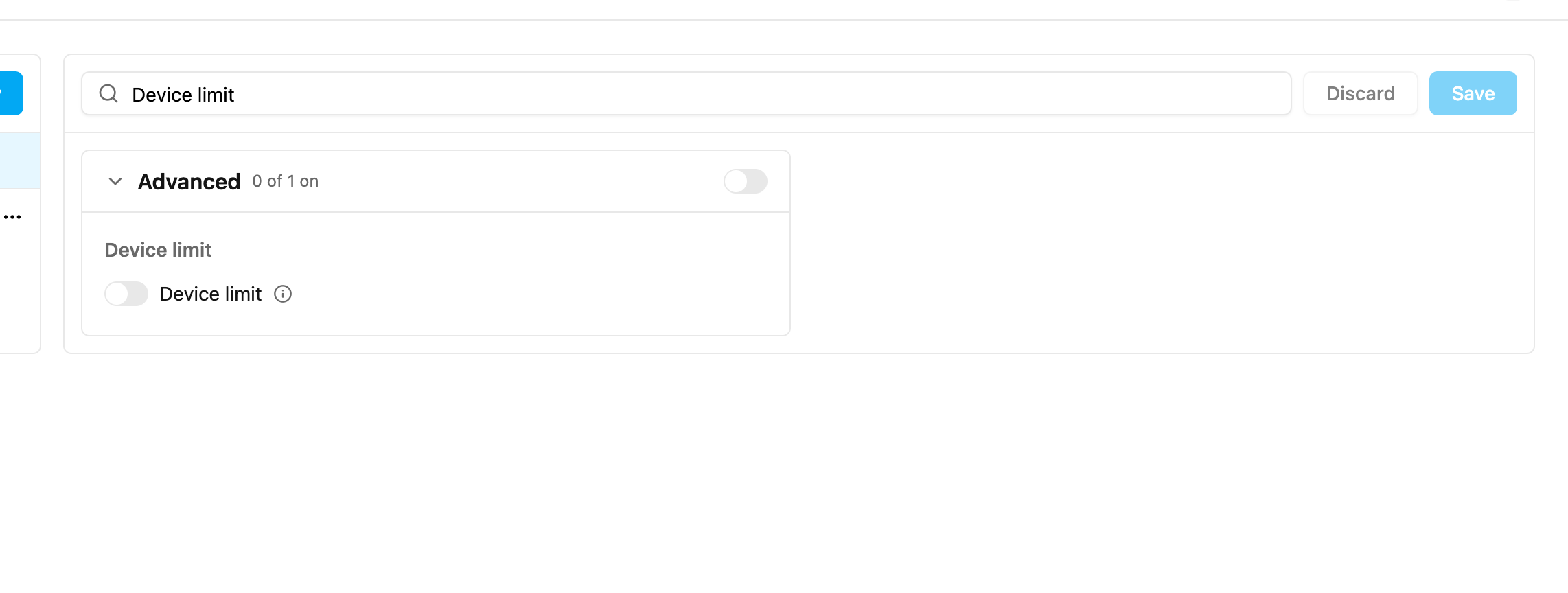
Mobile app access only
People with a role that has Mobile app access only (in Advanced › Access) can sign in only on the field app. Signing in on the web app is refused, with a message telling them to ask their admin for web access.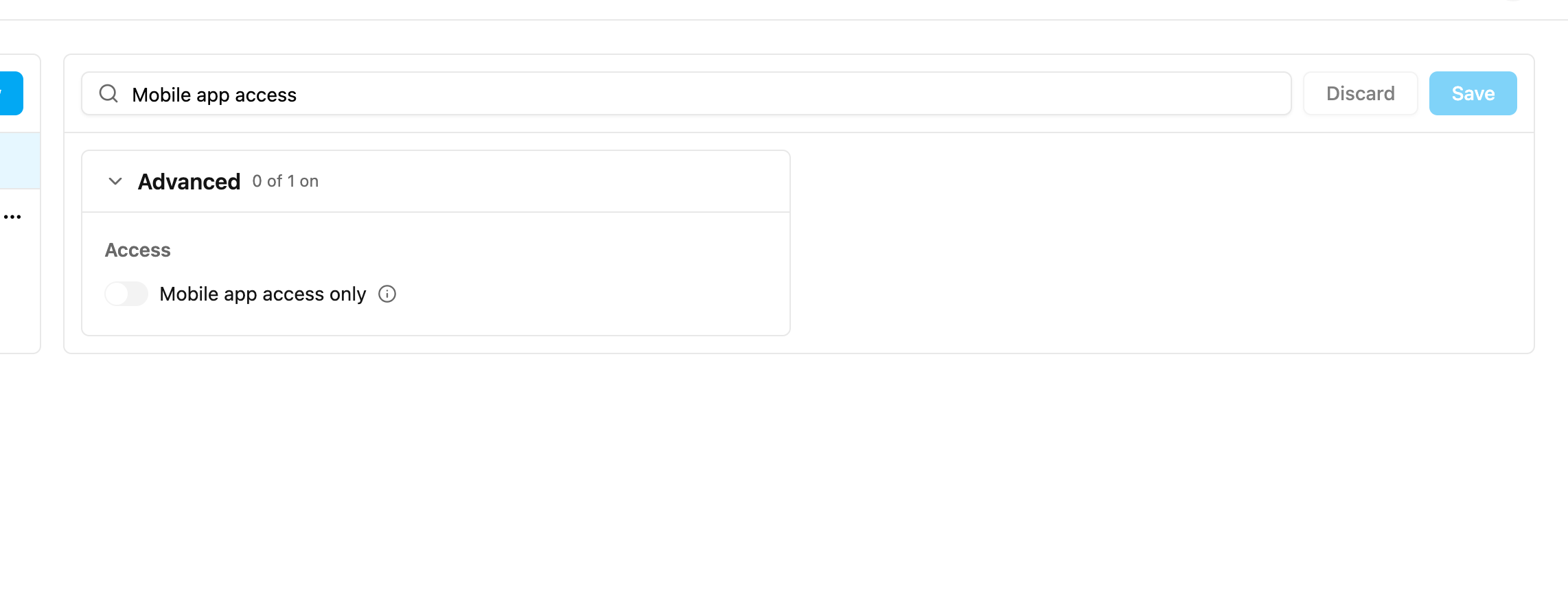
Location Tracking (Start Trip and End Trip)
Start Trip - End Trip, in Monitoring › Tracking, turns on trip-based tracking in the field app.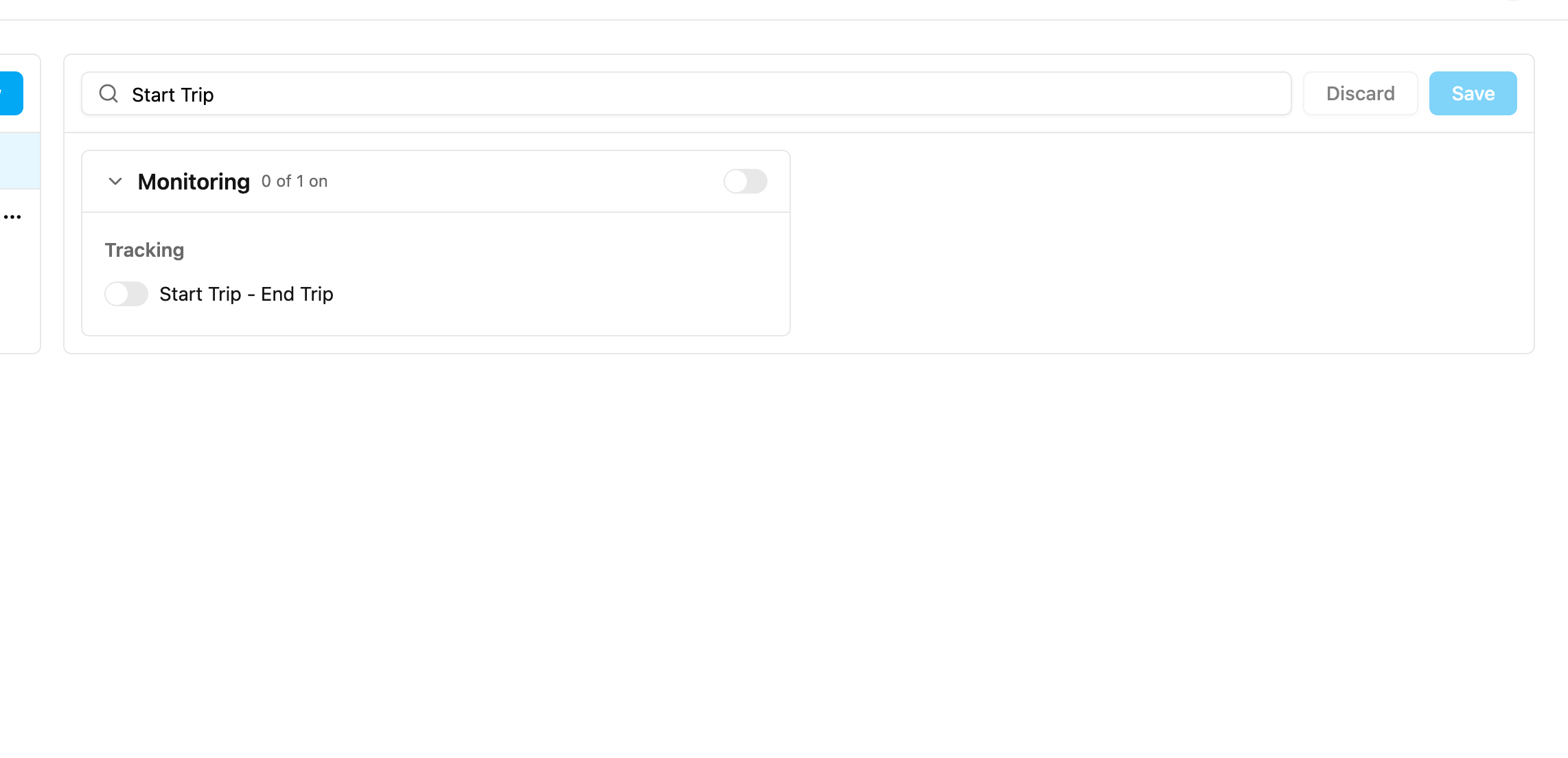
-
Location tracking: how often the location is recorded.
- Start radius (metres): how far from the hub a trip may start. For example, with 500 a field worker must be within 500 metres of the hub to start.
- End radius (metres): how far from the hub a trip may end.