Required permission:
- View data source
- Export Data Source
Export from Data Source
- Open Data Source and pick the data type in the list beside the records.
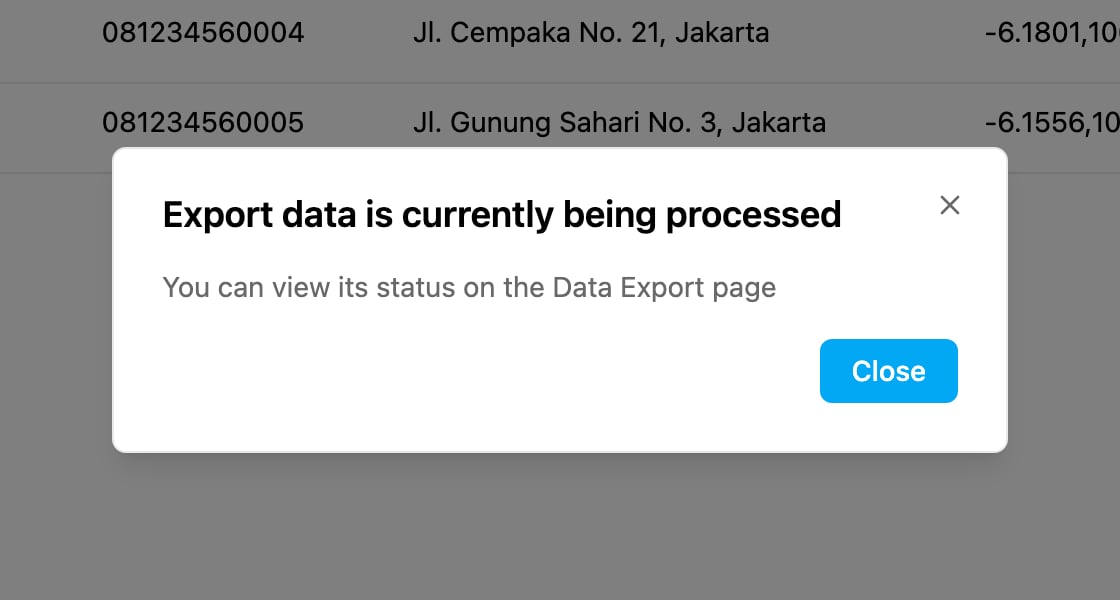
- Click Export.
What the file contains
- Columns: the fields marked Show on table on the data type, the same columns you see in the list.
- Records: every record of the data type, whatever is typed in the search box. For a data type with Scope Data by Hub on, only the records of the hub you are working in are included, and the Hub column holds one hub name per row.
- Format: an Excel (XLSX) file.
Export is greyed out when you don’t have the Export Data Source permission, when no data type is selected, or while the data type is being prepared.